Introduction When browsing Sp5der products on fashion-reps, if the product title, main image, color options, size range, or description fields don't match each other, don't first treat it as a simple page layout issue, and don't place an order based on just one image or one dropdown option. This guide handles only one specific task: checking inconsistencies in size and color information on the same product page, and
Editor score 4.2 / 5
Introduction
When browsing Sp5der products on fashion-reps, if the product title, main image, color options, size range, or description fields don't match each other, don't first treat it as a simple page layout issue, and don't place an order based on just one image or one dropdown option. This guide handles only one specific task: checking inconsistencies in size and color information on the same product page, and safely pausing when evidence is insufficient.
After reading, you should be able to do three things: save current page evidence, distinguish confirmed facts from items needing verification, and decide whether to continue checking or stop. This method does not apply to already-confirmed payment failures, warehouse inspection disputes, logistics delays, or return/exchange requests. Page content, reference prices, inventory, and link status are time-sensitive; the verification date for this article is October 22, 2026.

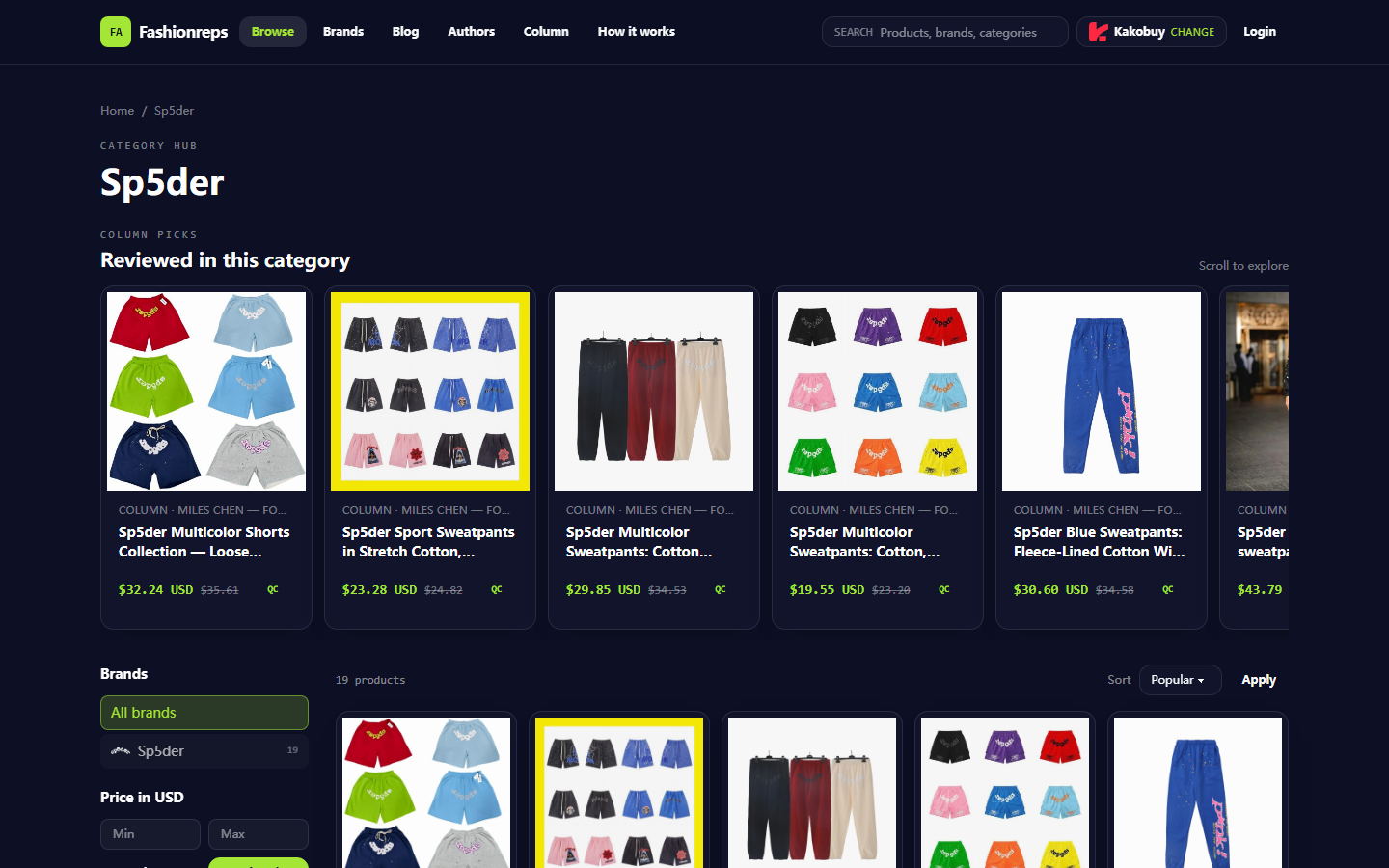
Image: A sample page used to record field discrepancies on a Sp5der product page. The image is for illustrating page information checking only, and is not proof of actual item quality, color accuracy, or size correctness.
Defining Specific Signs of Sp5der Product Page Information Inconsistency
First, rewrite "looks different" into checkable phenomena. Common situations include:
- Title says S–XL, but the size selector shows up to 3XL, or a middle size is missing.
- Title or description says blue, gray, or purple, but variant options use different color names.
- Main product image shows a certain colorway, but selecting a color doesn't change the thumbnail accordingly.
- The fit, material, or pattern in the description clearly doesn't match the current variant image.
- The size chart, variant selector, and text description on the same page give different ranges.
- After clicking a color, the page title, image, or product number doesn't change accordingly.
These phenomena only indicate that there are discrepancies on the page to verify; they do not directly prove that the product was sent incorrectly, the page is invalid, or the platform has malfunctioned. 🧭
Saving Current Product Title, Images, Sizes, and Link Evidence
Before refreshing the page, switching variants, or leaving the page, save the current state. It is recommended to record the following:
- Complete product title and current page URL.
- Color options, size options, and default selected values shown on the page.
- Screenshots of the main image, color thumbnails, size chart, and product description.
- Reference price, update time, or other visible version information shown on the page.
- Date, time, browser environment, and selected variant of the screenshots.
Screenshots should cover account, order number, payment information, and other personal data. Do not publicly share complete orders, passports, payment cards, or shipping labels. If the page does not show an update time, clearly record it as "page does not provide update time" and do not infer the page version yourself.
Comparing Color, Fit, Size, and Description Fields Item by Item
Compare item by item in the same order; do not guess colors from images first and then infer sizes. You can use the following recording method:
| Check Field | Visible Page Content | Consistent? | Next Step |
|---|---|---|---|
| Product title | Record original text, do not rewrite | Yes or No | Compare with main image and variant names |
| Color options | Record each selectable name | Yes or No | After switching, check if image and title sync |
| Size options | Record actual selectable sizes | Yes or No | Compare with size chart and description range |
| Fit and pattern | Record text description | Yes or No | Check against current variant image |
Different color names do not necessarily mean different colors. For example, "gray" and "charcoal gray" may be seller naming differences, but without variant images, color codes, or seller confirmation, they cannot be automatically treated as the same color. Similarly, "loose" in the title cannot replace specific chest, inseam, or garment length measurements.
Size fields should be separated into at least two layers: "selectable sizes" and "size data." Being able to select XL on the page only proves that an XL option exists; it does not prove that the actual dimensions of XL meet your needs. If there are no clear flat measurements, record as "size selectable, but dimensions not confirmed." 📏
Checking Product Variants, Page Update Time, and Link Destination
After completing the first round of field comparison, check the page status:
- Click each color option individually to confirm whether the image, title, price, and size options change accordingly.
- View each available size to confirm whether there are grayed-out options, unselectable options, or options that disappear dynamically.
- Check whether the default variant returns after refreshing the page, to avoid mistaking a temporary selected state for fixed page information.
- Confirm that the page URL still points to the same product, not a category page, search results page, or another similar item.
- Compare the update time shown on the page with the screenshot time; if there is no update time, do not claim the information is up to date.
- Record whether the page shows missing images, empty variants, duplicate color names, or abnormal redirects, but do not assert that the target site has a system failure based on this.
If after switching an option the page only updates text but not images, or images update but the size range does not change, mark that combination as "variant correspondence unconfirmed" and do not select the closest alternative to continue purchasing. 🔎
Distinguishing Page-Visible Facts, Evidence to Supplement, and Editorial Judgment
It is best to classify troubleshooting records into three categories:
Page-visible facts: For example, "page shows S, M, L, XL," "color options include Blue," "main image shows spider web pattern." These can be directly quoted from screenshots or page records.
Evidence to supplement: For example, "actual garment length for XL is not shown," "no corresponding image after color switch," "page does not indicate whether the option is in stock." These cannot be completed with common sense.
Editorial judgment: For example, "currently not suitable to confirm size," "need seller to provide current variant image." Judgments must be based on the first two categories and explain which purchase decision will be affected.
This article only uses the visible categories and product fields from fashion-reps page samples as the background for troubleshooting, and does not treat page reference prices, product quantities, or image content as proof of current inventory, actual material, authenticity certification, or wearing effect. This article is generated by an automated content system and independently checked based on page-visible fields and verification date; it does not represent real person purchasing, receiving, fitting, or manual review. ✍️
Safe Stop Conditions When Page Cannot Be Confirmed
Stop selecting that variant or submitting a purchase request if any of the following occurs:
- Color names, images, and variant options cannot be matched.
- Required size only appears in text description, but actual selector cannot select it.
- Size chart lacks key measurements and page has no credible supplementary explanation.
- After switching variants, product title, image, or specifications keep jumping.
- Page link cannot be opened stably, or redirects to another product that cannot be confirmed.
- You must rely on guessing to decide color or size.
Stopping does not mean confirming the product has a problem, but rather that current evidence is insufficient to support the next step. Keep screenshots and records to avoid evidence changes from repeated refreshing, and do not submit multiple similar variants just to "try it out." ⛔
Information to Prepare Before Contacting Target Site Support
When you need to contact the target site or related product support channel, prepare a minimal and verifiable information package:
- Product page URL and complete title.
- Specific fields where discrepancies occur, e.g., "title says S–XL, but selector shows up to 3XL."
- Screenshots of color or size options, with screenshot time noted.
- Before and after screenshots of page switching, marking corresponding variants if necessary.
- The single question you want confirmed, e.g., "Does blue XL correspond to the colorway shown in the current main image?"
Do not send complete order numbers, payment cards, passports, addresses, or other irrelevant personal information. If support requires order information, first confirm their identity and necessary scope, and only provide the minimum information needed to handle the issue.
Continue, Pause, or Abandon Decision After Troubleshooting
If the title, color, size selector, size data, and variant images correspond to each other, you can proceed to the next step, but still cannot treat page fields as physical measurements or quality assurance. Before placing an order, reconfirm destination country, actual costs, available routes, taxes, and after-sales conditions.
If only one supplementary piece of evidence is missing, such as no current variant image or no specific measurements, pause and wait for support or the page to provide a clear answer.
If multiple core fields conflict with each other and you cannot confirm the specific color and size you will purchase, abandon that variant, do not guess and order, and do not submit multiple options to "try your luck." The amount saved from this check is usually zero; its value lies in avoiding return/exchange costs, round-trip shipping fees, time loss, and inventory risk caused by wrong color or size. Suitable for users who value spec verifiability and are preparing to purchase Sp5der products across borders; not suitable for scenarios where you already have clear physical measurements and written seller confirmation and only need to quickly complete a repeat purchase.