When buying Rhude accessories, the price shown on the product page is not necessarily the final amount you pay. Before paying, record the product price, discounts, service fees, payment processing fees, packaging, shipping, and exchange rate separately, then confirm whether each amount has been applied.
Editor score 4.2 / 5
When buying Rhude accessories, the price shown on the product page is not necessarily the final amount you pay. Before paying, record the product price, discounts, service fees, payment processing fees, packaging, shipping, and exchange rate separately, then confirm whether each amount has been applied.

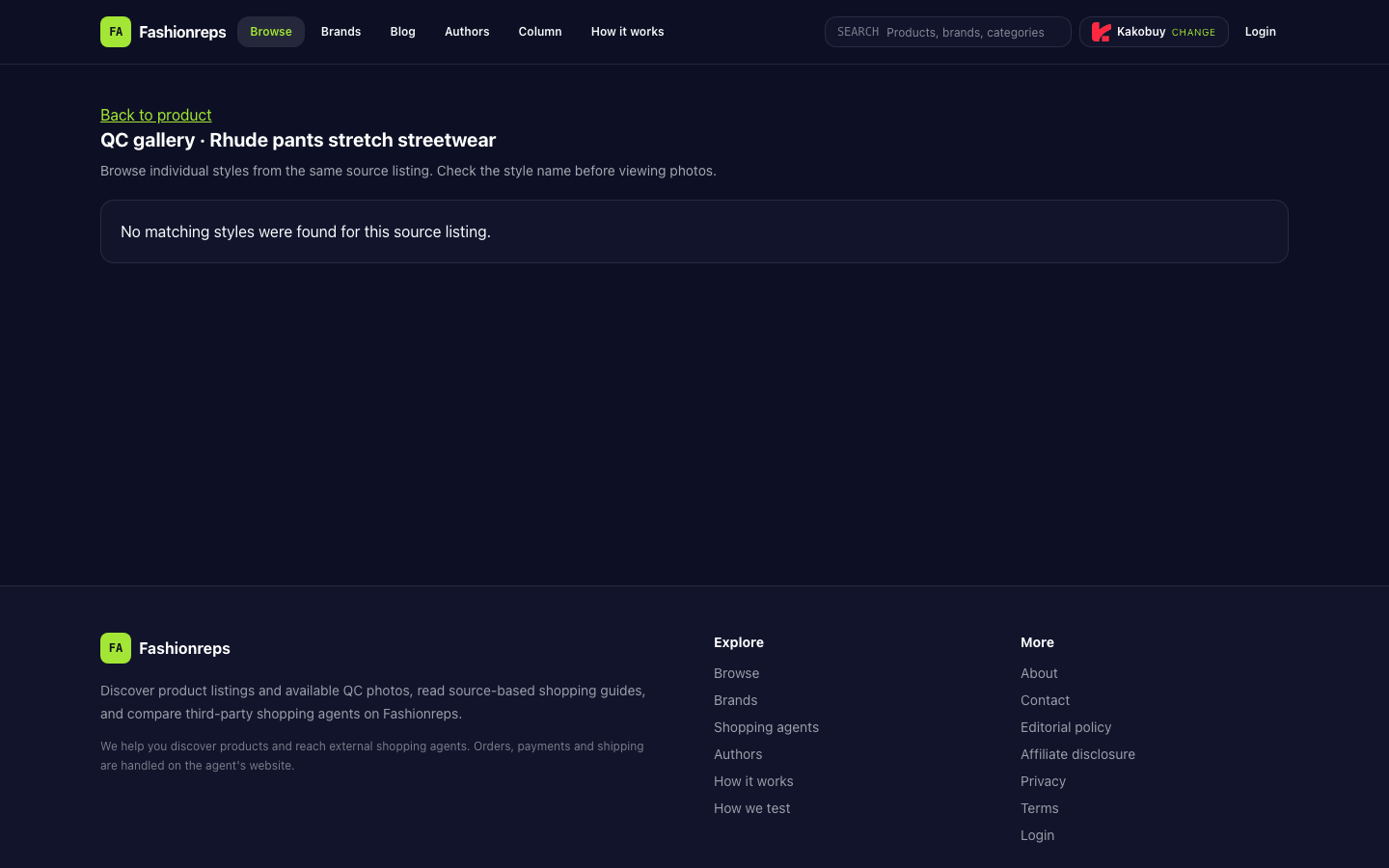
First, note that currently verifiable information corresponds to a Rhude pants QC page on Fashionreps, not a confirmed purchasable Rhude accessory. That page shows no matching styles, and the data does not include current price, stock, shipping, or discount amounts for accessories. Therefore, the methods below are for pre-payment verification and cannot replace real-time information on a specific product page, nor can they determine whether a particular accessory is still on sale.
First Confirm You Are Checking the Correct Product
Before recording amounts, check that all of the following correspond to the same item:
- The brand and product category are indeed Rhude accessories, not clothing or other accessories.
- The product title, style name, color, and size or specifications match the target item.
- The product page is still accessible and shows current availability.
- The product images, details, and links on the page do not redirect to a different style.
- If from a QC page, confirm whether the page has a style corresponding to the target item, rather than just a similar brand name.
The QC page in the current data indicates no matching styles, so it cannot be used as proof of price, stock, or purchase for Rhude accessories. If the target item cannot be confirmed on the corresponding page, pause payment and seek a verifiable product page.
Break Down Total Cost into Separate Fields
It's recommended to create a simple record before payment. For items without real-time amounts, do not fill in estimates; mark them as "to be confirmed".
| Cost Item | What to Check Before Payment | What Cannot Be Inferred Directly |
|---|---|---|
| Product Price | Current price and currency shown for the target style | Cannot substitute with prices of other Rhude products |
| Discount | Promo code, activity threshold, applicable products, and validity | Cannot assume discount applied just because there is a promo entry on the page |
| Service Fee | Fees shown on shopping agent or related service pages | Cannot assume all agents charge the same way |
| Payment Processing Fee | Whether any additional payment or channel fees are added at checkout | Cannot default processing fee to zero |
| Packaging Fee | Whether charged separately and if optional | Cannot infer from other orders |
| Shipping | Amount corresponding to destination, package weight, route, and service level | Cannot determine final shipping cost in advance |
| Exchange Rate | Exchange rate and conversion fees used by payment channel | Cannot calculate based only on searched market rates |
| Final Total | Total amount and currency shown at checkout | Cannot estimate by adding a fixed percentage to product price |
You can use the following order of calculation, but the result is only useful for payment decisions if each item has been verified:
Product Price − confirmed available discounts + displayed service fees, payment processing fees, packaging fees, shipping, and exchange-related fees = Final amount due at checkout
If a particular fee is not clearly shown at checkout, keep it as to be confirmed; do not fill in numbers to get a seemingly complete total.
Check Discount Applicability Separately
To determine if a discount is truly effective, check at least four things:
- Whether the discount has been applied to the target product, not just shown in the activity description or promo entry.
- Whether there are minimum spend, specified products, regions, payment methods, or first-time use restrictions.
- Whether the discount only applies to the product price and not to service fees, shipping, or other costs.
- Whether the discount amount at checkout matches the discount description and has not been invalidated by conflicts with other promotions.
Before payment, save the checkout page after the discount is applied, recording at least the discount name, amount reduced, applicable scope, and validity period. If the total does not change after entering the promo code, do not write the expected discount into the total cost; first confirm the reason for failure, or treat the discount as not applied.
Check Fee Changes in Page Order
Step 1: Record the Product Page
Save a screenshot or page record of the target product page, including product name, style, color, specifications, price, and currency. If the page does not clearly show stock or purchase status, mark stock as to be confirmed.
Step 2: Recheck After Adding to Cart
After adding to cart, check whether the product is still the same style. Pay attention to quantity, color, specifications, and unit price changes. Do not assume stock is locked or the product will definitely ship just because it appears in the cart.
Step 3: Apply Discount and Observe Changes
Before checkout, enter the promo code or select an activity discount, and record amounts before and after application. If the discount applies only to the product price, keep the discounted product price separate from other fees.
Step 4: Check Agent and Payment Fees
The Fashionreps page states that the purchase process redirects to an external shopping agent, and orders, payments, and shipping are handled by the agent website. Therefore, service fees, payment fees, packaging options, and shipping shown on the agent page cannot be inferred from Fashionreps product or QC pages; they must be based on the actual agent checkout page.
Step 5: Verify Shipping Conditions
Confirm the destination country or region, package weight, shipping route, and service level. If the item has not yet been warehoused or weight not confirmed, final shipping may still be undetermined. At this point, only record fields as to be confirmed; do not use historical prices from a route as the current shipping cost.
Step 6: Confirm Payment Currency and Exchange Rate
Check the final currency used on the payment page and whether the payment channel charges additional conversion fees. Record the amount due shown on the page and the actual amount deducted by the bank or payment platform to avoid comparing only the product page numbers.
When to Stop Payment
Consider pausing payment if any of the following apply:
- The product page style or category does not match the target accessory.
- The page cannot confirm current price, stock, or purchasability.
- Discount conditions are unclear, or no actual reduction is shown after applying the promo code.
- Service fees, payment processing fees, packaging fees, or shipping are still not displayed, but the total is already asking for confirmation.
- The currency, amount, or product information at checkout differs from previous records.
- You can only estimate the current cost based on other Rhude products, old screenshots, or unverified experience.
Based on currently verifiable data, the Rhude pants QC page has no matching styles and does not provide real-time prices and complete checkout fees for Rhude accessories. Therefore, the safest conclusion is not to give an estimated total, but to first confirm the correct accessory page, then record checkout information item by item. Only when product identity, discounts, fees, and final amount due all correspond on the current page is it appropriate to proceed to payment.