If the Versace jersey you purchased shows as shipped, but the logistics page has had no new nodes for a long time, don't rush to pay again, place a new order, or resubmit package information. The safest first step is to confirm whether the order, package, and tracking page all refer to the same record, then
Editor score 4.2 / 5

If the Versace jersey you purchased shows as shipped, but the logistics page has had no new nodes for a long time, don't rush to pay again, place a new order, or resubmit package information. The safest first step is to confirm whether the order, package, and tracking page all refer to the same record, then determine if the issue is normal waiting, unsynced information, or a page display error.
This article addresses only one problem: after entering an external shopping agent from the Fashionreps product page, how to verify the logistics status of your Versace jersey package, and when you should seek help through the purchasing agent's official support channels. The Fashionreps page itself is for discovering and comparing products; orders, payment, and shipping are handled by the external shopping agent you choose. This article does not apply to cases where the package has been confirmed as held by customs, has an incorrect address, or is involved in a payment dispute—those require following the carrier's or agent's specific procedures directly.
What This Versace Jersey Tracking Troubleshooting Aims to Solve
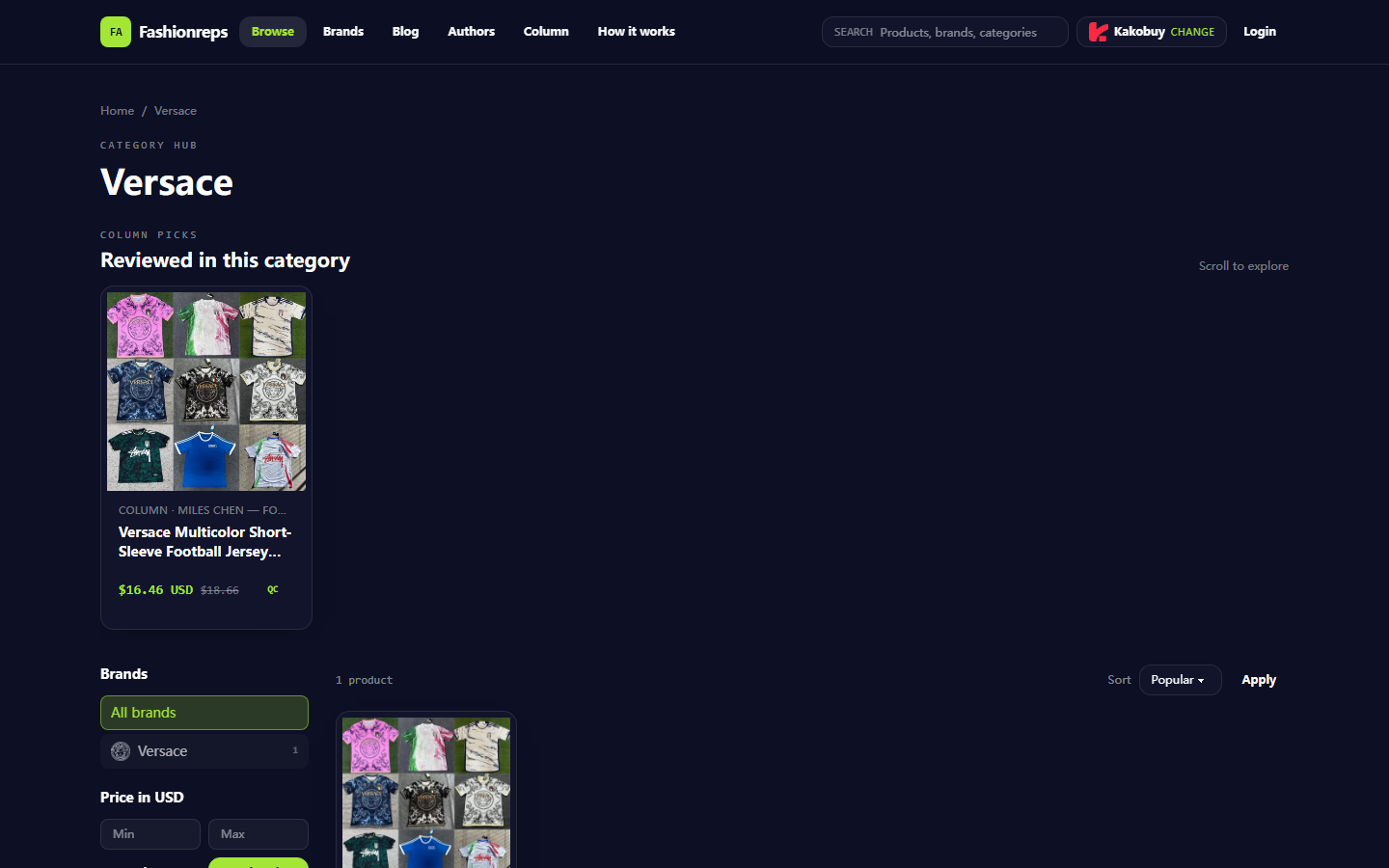
The currently visible Versace category page on Fashionreps shows a Versace Multicolor Short-Sleeve Football Jersey Collection in sizes S–XXL, with a reference price of $16.46 and multiple shopping agent options. This page information only helps you identify the product; it does not prove that an order has been shipped, nor does it replace the package records in the agent's backend.
Therefore, the goal of troubleshooting is not to determine whether the item is still in stock, but to confirm the following three things:
- Is the order you're viewing the one corresponding to this jersey?
- Does the package you're viewing contain this order, and does the tracking number belong to this package?
- Do the last node, update time, and query time shown on the logistics page match?
If these three cannot be matched, continuing to wait usually won't solve the problem; organizing your records first is more important. 🔎
First Confirm That the Order, Package, and Logistics Page Are the Same Record
Open the order details in the external shopping agent's account and note the product name, order number, package number, and current status. Don't rely solely on browser history, payment notifications, or abbreviations in chat windows, because the same agent may have shopping orders, warehouse receiving records, and international package records simultaneously.
It's recommended to check in the following order:
- Does the product name or image correspond to the Versace jersey, not other clothing purchased in the same batch?
- Does the order number match the one in the agent's backend order details?
- Does the package number belong to the warehouse package containing this jersey?
- Was the tracking number copied from this package's detail page, not from another order or an old package?
- Are the currently selected logistics route, destination country, and delivery area correct?
If the jersey is still in the warehouse, awaiting inspection, consolidation, or payment of international shipping, it should not be queried as an in-transit package. Different page statuses require different next steps. 📦
Record the Current Visible Node, Update Time, and Query Time
When logistics tracking doesn't update, start by creating a minimal record. Use full dates and time zones to avoid mistaking the agent page's update time for the carrier's actual scan time.
At least keep the following information:
- The last few digits of the order number or package number, to distinguish your own records. Do not post the full number publicly when asking for help.
- The last few digits of the tracking number; do not send the full number in public posts or unfamiliar chats.
- The logistics route name.
- The original text of the latest node shown on the page.
- The node time and its time zone as shown on the page, if indicated.
- The date and time you actually queried the page.
- A screenshot of the current status, with name, address, phone number, payment information, and full order number covered.
The verification date is October 13, 2026. This date only indicates when this article's records and page judgments were made; it does not mean the logistics status remains unchanged thereafter. Prices, inventory, available agent routes, and logistics nodes may change, so when reopening the page, go by the information visible at that time.
Distinguish Between No New Nodes, Missing Route Information, and Page Display Errors
No new nodes does not necessarily mean the package is lost. Cross-border packages may temporarily have no new public scan records between pickup, transfer, flight connection, destination country handover, or final delivery. In this case, first check whether the last node clearly shows that it was handed over to the carrier, and whether the page still displays the tracking number and route normally.
Missing route information is typically indicated by the presence of an order or package but no available tracking number, carrier name, or shipping route. If the agent's backend still shows warehouse processing, pending shipping fee, pending dispatch, or pending handover, you should confirm with the agent whether the package has actually been shipped, rather than directly contacting the destination country's last-mile carrier.
Page display errors may appear as:
- The tracking page won't open or repeatedly redirects to the login page.
- The same tracking number shows completely different orders on different pages.
- The node time format is abnormal, or the update time is earlier than the shipping confirmation time.
- The page is blank, but the order backend still has a clear shipping status.
- The tracking numbers on the agent's backend and the carrier's public query page don't match.
When encountering these situations, log out, log back in, and reopen the order details. If still inconsistent, save screenshots of both pages and the query time, and submit them to the agent's official support. Do not repeatedly purchase logistics services just to "refresh" the status. ⚠️
Check the Target Site's Public Package and Logistics Information
Fashionreps' public page states that the platform is for discovering products, viewing product information, and comparing shopping agents; each purchase button leads to the selected agent, and orders, payment, and shipping are handled by the agent's website. Therefore, the Fashionreps product page cannot confirm whether your personal order has been dispatched, nor can it replace the agent in providing real-time logistics records.
When checking, you can go back to the product page to confirm the product name and style match, but the following information should be based on the actual agent backend:
- Whether the order has been placed.
- Whether it has been received and passed warehouse procedures.
- Whether consolidation or splitting has been completed.
- Whether international shipping has been paid.
- Whether it has been handed over to the carrier.
- Whether the tracking number and route have been generated.
If the product page shows a reference price, it also cannot be directly treated as the final product price, international shipping, taxes, or other service fees for your order. When logistics tracking is abnormal, first separate product identification from package shipping, to avoid repeated operations due to confusion from price or page information.
When Insufficient Evidence Means You Should Not Pay Again or Resubmit
The following evidence is insufficient to prove that you need to pay again:
- The logistics page temporarily has no new nodes, but the tracking number and package number still match.
- Refreshing the browser still shows the same last node.
- Agent customer service has not yet confirmed that the first payment failed.
- The order page loads slowly or is briefly blank, but after re-login the record still exists.
- Only the reference price on the product page changed, with no new payment notification or order status.
Only when the agent's official support explicitly confirms that the first payment was unsuccessful, the original payment has been cancelled, or a valid payment order needs to be regenerated, should you consider repaying according to the official process. Before repaying, save the original order status, payment receipt, and customer service reply, and confirm that the original amount will not be charged twice.
Similarly, do not resubmit your full delivery address, passport, payment card, or complete waybill just because the tracking page hasn't updated. Customer service usually only needs the order or package identifier, the last few digits of the tracking number, the route, the last node, and the query time. When it comes to personal information, follow the principle of minimal disclosure. 🔐
Submit Order Scope and Tracking Information to Official Support
You should access the support channel from the official website account, order page, or official help center of the shopping agent where you actually placed the order. Do not treat the Fashionreps product page comment section, unfamiliar social media accounts, or unofficial contacts as order customer service.
You can organize your submission in the following order:
- State that this is a logistics tracking verification request.
- Provide the necessary part of the order number or package number; when submitting full information as required by official channels, also confirm the channel is authentic and reliable.
- Provide the tracking number or its last few digits, and explain which package generated this number.
- State the route, destination country, and last visible node.
- State the last node time and the time of this query.
- Attach a screenshot of the order status with personal information covered.
- Clearly ask whether the package has been shipped, whether there is a tracking sync delay, and when the next check should be done.
You can use a brief explanation like this:
"My package page showed the last node as a certain status on a certain date. The order, package number, and tracking number have been verified to match, but as of the query time there were no new nodes. Please confirm whether the package has been handed over to the carrier, whether the current tracking information is experiencing a sync delay, and which official page I should use to continue tracking."
Do not send your full address, phone number, passport information, payment card, complete waybill, or screenshots containing QR codes on public channels. If customer service requests additional information, first confirm that you are submitting it within the agent's official account or official domain.
Action Checklist for Follow-Up Checks and Stopping the Wait
After submitting to official support, save the ticket number or customer service conversation record, and re-query according to the customer service's suggested review time. Each review should only record new nodes, update times, and page sources; do not frequently create duplicate tickets, to avoid conflicting processing records for the same package.
If a new carrier scan node appears after review, continue using that tracking number to monitor the shipping process. If the agent confirms the tracking number is wrong, the package has not been shipped, or the package status does not match the page, pause further payments and resubmissions, and wait for the agent to give a clear resolution.
It is not advisable to wait indefinitely in the following situations:
- The agent's official support confirms the package was not successfully shipped.
- The tracking number clearly belongs to another package, and the agent cannot explain it.
- The order, package, and payment records cannot be matched with each other.
- The page asks for payment again, but there is no official proof of the original payment failure or cancellation.
- The package status has entered a carrier, customs, or address exception process that needs to be referred to specialized support.
When deciding whether to continue waiting, the amount saved may only be avoiding a duplicate shipping fee or payment; the increased risks include missing appeal windows, delaying address correction, creating duplicate package records, and making it difficult for customer service to determine which action was valid. This verification method is suitable for buyers who already have order and package records but whose tracking nodes have temporarily stopped updating; if you haven't completed your order yet, or if the issue involves payment failure, out-of-stock items, wrong address, customs restrictions, or returns/exchanges, you should switch to the corresponding official process and not treat all problems as logistics delays.